Skip to content
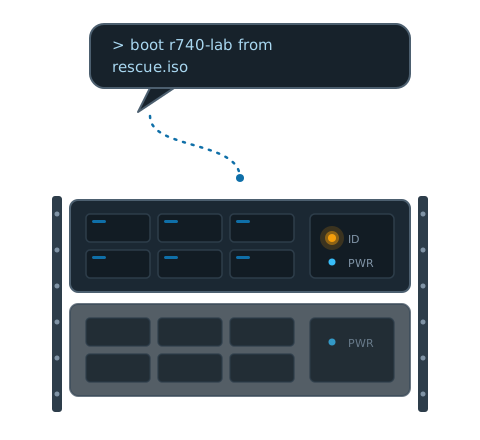
A chat message saying "boot r740-lab from rescue.iso" flowing into a rack server whose amber identify LED is lit.

mcidrac

Your PowerEdge fleet, one conversation away. An MCP server that speaks Redfish to Dell iDRACs — power, health, virtual media, BIOS, and config backups, with guardrails built for an LLM operator.

27 tools, honest by design

Power control, sensors, SEL, inventory down to RAID volumes, virtual media, boot-to-ISO, BIOS and iDRAC attributes, SCP backup/restore. Every mutation is verified by reading state back — a tool says “applied” only when the hardware confirms it.

Built for LLM operators

Destructive tools carry MCP annotations so clients can gate them. Wrong-box SCP imports are refused by service-tag check. Partial failures return a step ledger, not a stack trace.

Multi-iDRAC registry

One TOML file, many BMCs. Every tool takes a name, not an IP. Passwords come from env vars and never leave the server process.

Test without a single server

An integration harness serves Dell’s real iDRAC9/iDRAC10 Redfish captures, plus a behavioral simulator for the write paths. The whole tool surface runs green before it ever touches your rack.

Pure stdlib transport

One dependency: FastMCP. The Redfish client is standard-library Python with token sessions, guaranteed logout, and a per-host session cap that respects the iDRAC’s ~8-session limit.

Cross-generation

Verified against six real Dell captures spanning iDRAC9 firmware 7.10–7.20 and iDRAC10 1.10–1.30 — including the paths iDRAC10 moved or removed.